01
Google & Microsoft, paired locally.
Connect Workspace, Gmail, Outlook and Exchange through OAuth. Tokens live on your Mac, in encrypted storage. No Solar Beam cloud in between.
 Work
Download
Work
Download
Work · Desktop email and calendar
A quiet desktop client for Google Workspace and Microsoft Exchange. OAuth accounts, local storage, real HTML email with tracking controls, and a week calendar that actually feels like a calendar.
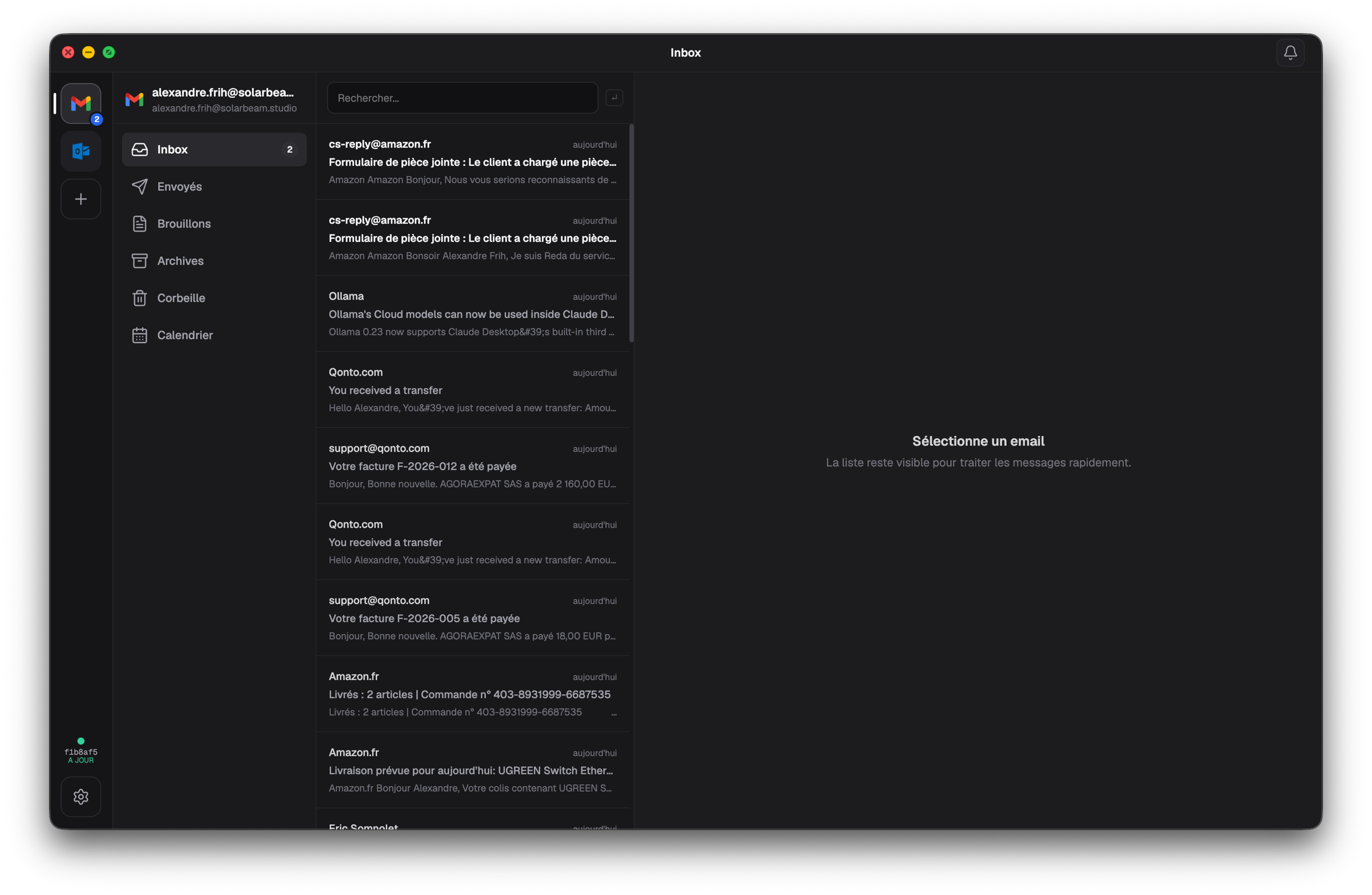
Connect Workspace, Gmail, Outlook and Exchange through OAuth. Tokens live on your Mac, in encrypted storage. No Solar Beam cloud in between.
Remote images can be blocked, asked per email, or always allowed. Quoted threads, signatures and inline images render the way the sender meant them to.
Local incremental cache, native window controls, signed app bundle and a quiet UI tuned for repeated daily use. Auto-updates from a CDN you control.
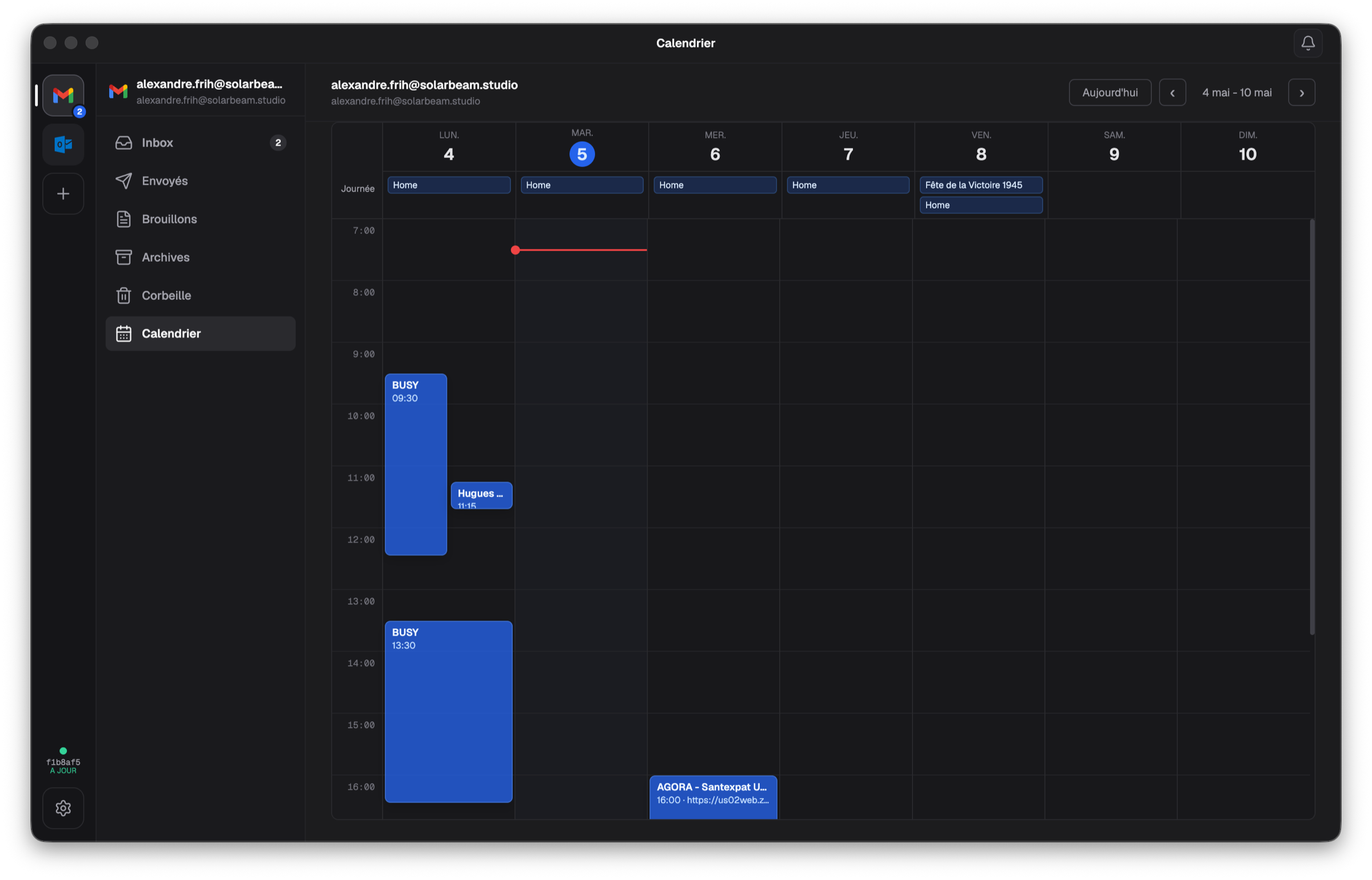
Week calendar
Events show up as proper time blocks on the week you're in. Google and Microsoft calendars share the same grid, so your day is one view, not two browser tabs.
Local by default
Work uses OAuth for both Google Workspace and Microsoft Exchange. Refresh tokens, app data and message cache live in ~/Library/Application Support/work — never on a Solar Beam server.
PKCE flows for Google and Microsoft. No password ever leaves your browser.
Mailboxes incrementally sync to disk so launches stay fast and offline-friendly.
Apple Developer ID signed bundle. Notarization is on the way for v0.2.
electron-updater pulls signed releases straight from the Solar Beam CDN.
Try it today
Unzip, drag Work.app into Applications, then connect a Google or Microsoft account from the in-app onboarding.